meshpup by Altushka Studio v1.6.0
Make your own pets for Roblox in minutes
Pick a body, add ears and wings, color it, make it glow. Then put it in your game. No 3D skills needed.
No account macOS: signed & notarized macOS & Windows 100+ parts · 70+ materials · 20+ things to grow
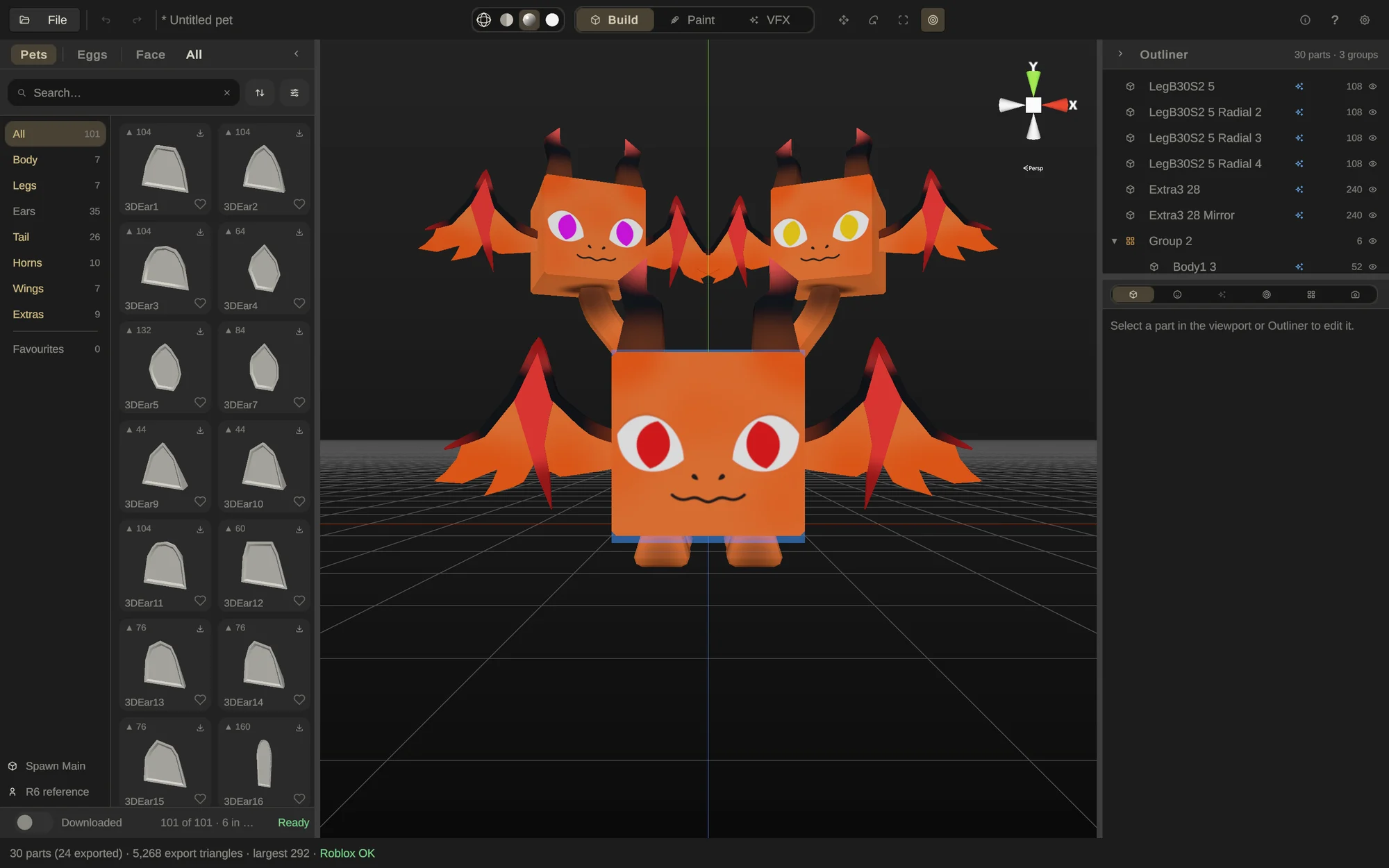
The real app, about 30 MB to start. Materials download as you use them. Nothing to install, and nothing is saved.
Open this page on a Mac or Windows PC to try the app.
Build a pet, color it, give it a face and make it glow — right here. Then download the app to save your pet and put it in Roblox.
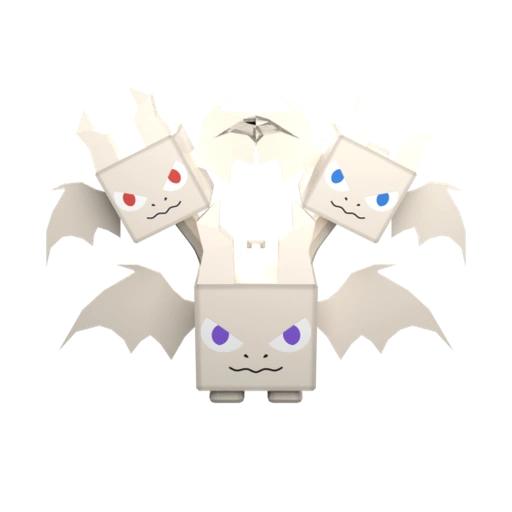
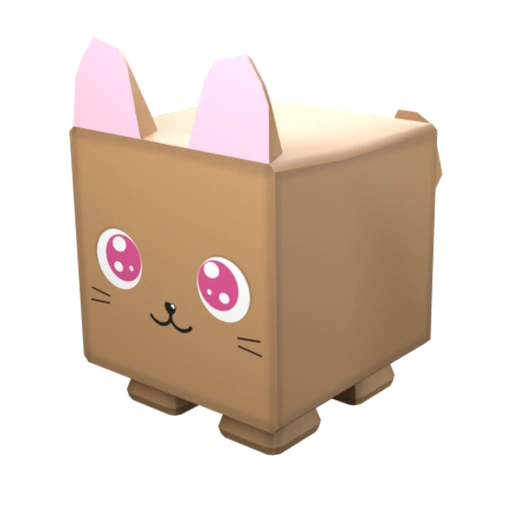
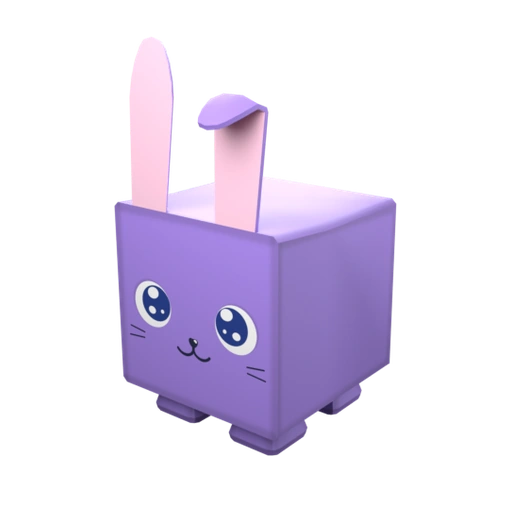
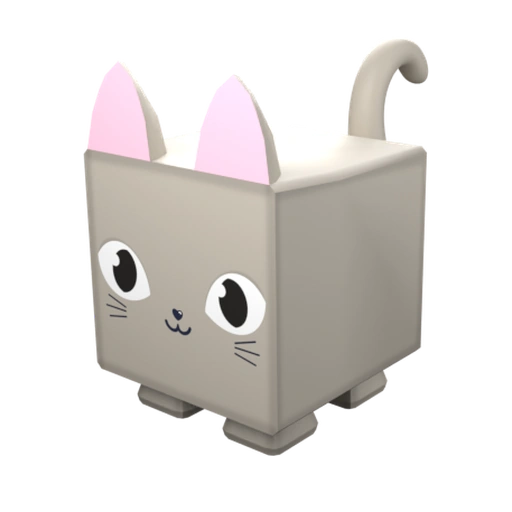
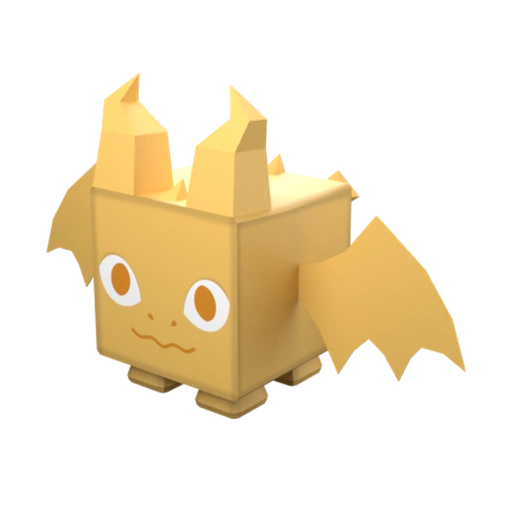
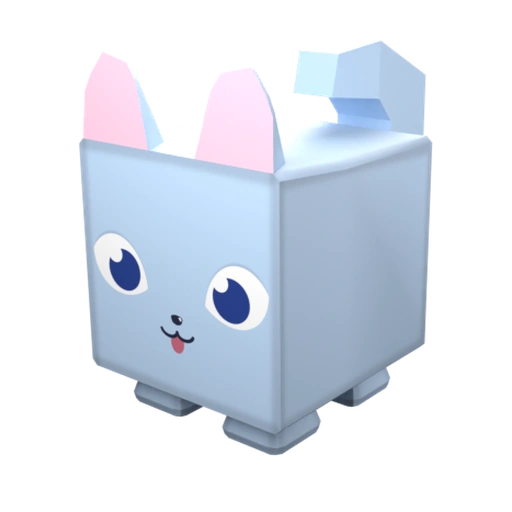
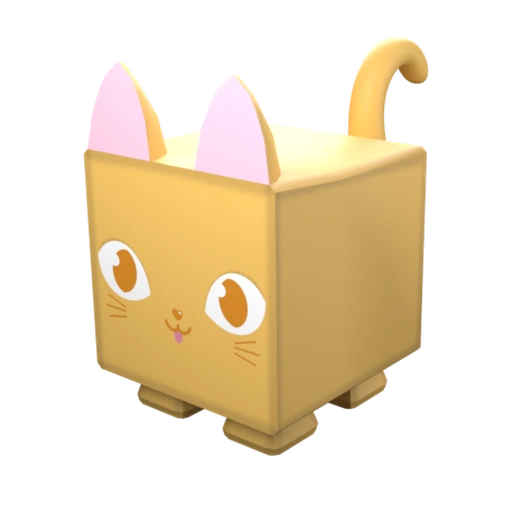
Made in the app
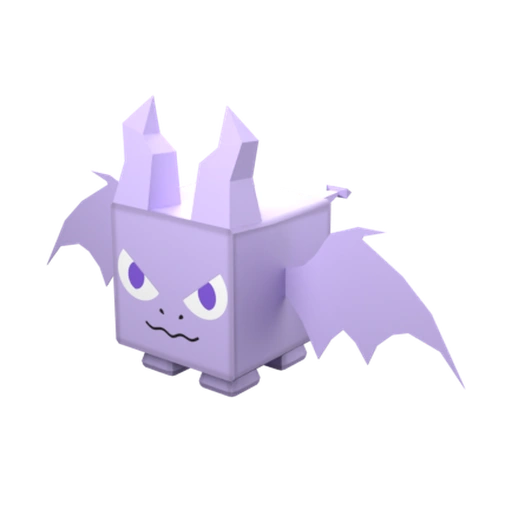
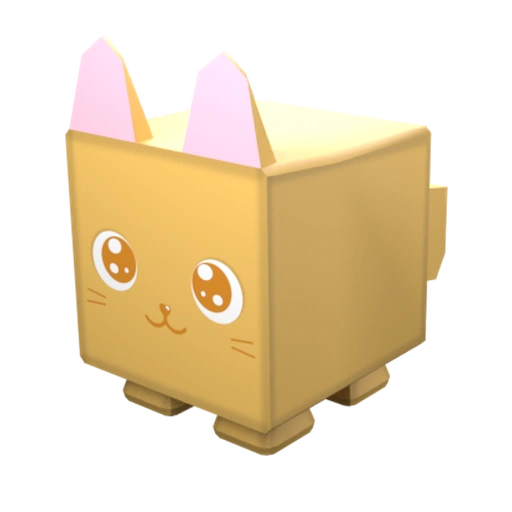
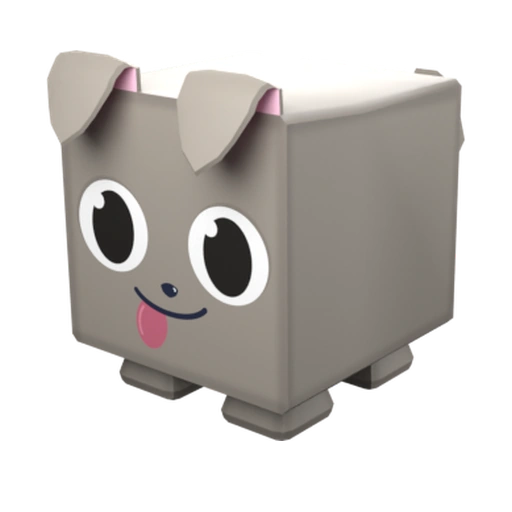
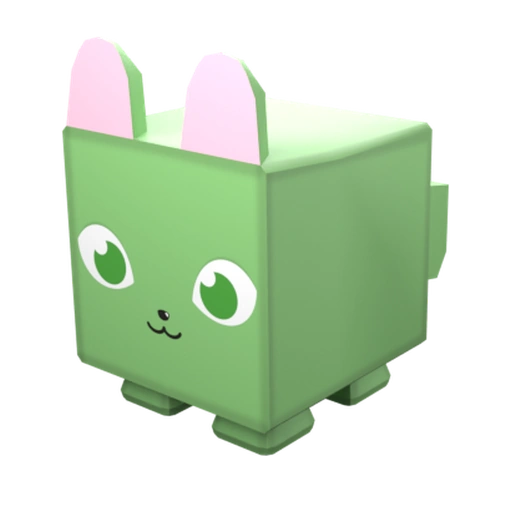
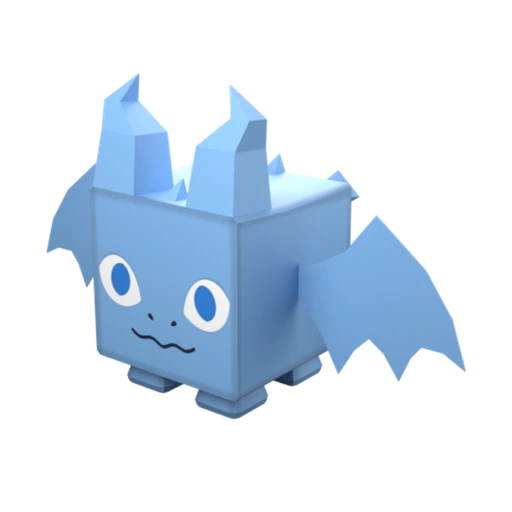
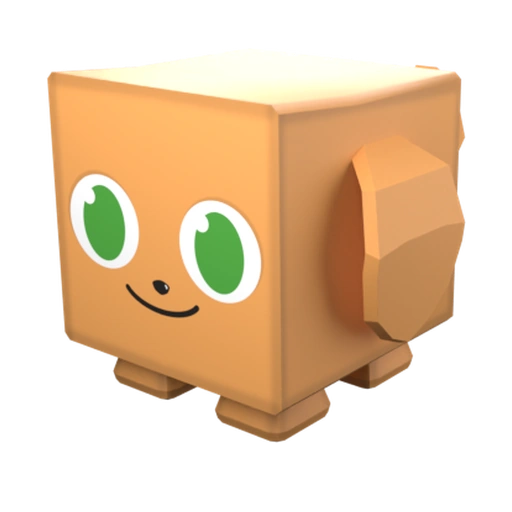
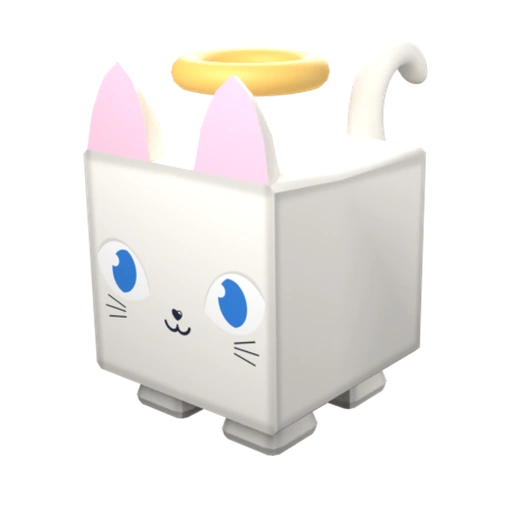
Every one of these is a real export
Why meshpup
Built for people who don't want to open Blender
Six things the app does for you. No 3D skills needed, and no rigging for a pet that stands still.
Parts snap into place
Pick a body. Then add ears, wings, horns and a tail. They snap right where they belong. No 3D skills needed.
Color it your way
Paint it like a drawing, or click once to make it stone, ice, candy or lava. There are 70+ materials to start with, and you can change their colors.
Grow things on it
Rocks, crystals, flowers, snow, even Christmas lights. 20+ things to grow. Move a slider until it looks right. Add fire or sparkles too.
100+ parts, 20+ face pieces, 150+ effects
Mix them into a pet nobody else has. New parts, colors and effects keep showing up in the app on their own. You can add your own parts from Blender, or your own pictures to paint with.
Ready for your game
Your pet arrives in Roblox Studio all put together, every piece named, effects already playing. One button puts it together. Then you just script it.
Yours to sell
No account. Use your pets in your own games, free or paid, or make pets for other people and get paid. You don't have to give us credit.
Who it's for
You don't need to be an artist
Four ways in — and the last one is why the app exists.
Game devs
You're shipping a pet system and need twenty creatures that look like a set — not twenty one-offs in three art styles.
Sim & UGC builders
You need volume. Eggs, rarities, tiers — and every pet has to import the same predictable way, every time.
Solo creators
You can script and you can build. Modeling has always been the wall. This removes the wall, not the ambition.
Never opened Blender
You've made nothing in 3D and you're not sure you're allowed to start. You are. This is the door.
Shipping in the open
Still being built
v1.6.0 shipped November 1, 2026. Every release, every dead end, written up as it happens.
Lights, Roblox materials and glowing skins
1.6.0 is out: your pet can shine light, wear ForceField, Neon and Glass, and get outlines and glowing skins.
ReadMaterials, Real shape and things that grow
1.5.1 is out: a new material browser and many more grow sliders, on top of 1.5.0's materials, Real shape and Grow.
ReadLock to stroke
1.4.1 is out: Lock to stroke keeps your painting inside the stroke you just laid, plus new parts and a few small fixes.
ReadBefore you download
The five things people ask first
What does meshpup cost?
Free right now. Later versions might cost money. The version you download is yours to keep: a new price only counts for new downloads and new versions, never for the one you already have.
Do I need to know 3D modeling?
No. You pick ready-made parts and they snap together. No Blender, no sculpting. If you can drag and drop, you can build a pet.
How does it work with Roblox?
You export your pet and import the file into Roblox Studio. Then press Assemble Pet in the free plugin the app adds for you, or paste a script instead. Your pet is put together for you: every piece has a name, the pieces are joined, and the face is already on.
Can I sell what I make with it?
Yes. You own what you make. You can use it in your own games, including ones you earn from, as long as you follow the rules of the platform you publish on and our Terms, and you can take commissions, making pets for clients' own games. The one line not to cross: don't resell our parts, or a bare export, as a standalone asset for others to reuse.
Do I need to be online?
You need internet to grab the catalog and download each part, face and effect the first time you use it. After that they are cached locally so you can keep building.
Build it with me
I'm making this solo, and the Discord is where it happens: get help, request assets, report bugs, and help shape what gets built next.
Build your first pet tonight
There's nothing to sign up for. Download it, snap a pet together, and land it in Roblox Studio.
DownloadNo account macOS: signed & notarized