UV wraps and the workspace tab
Manage each part's painted texture, and check your pet's stats on the Workspace tab.
UV wraps
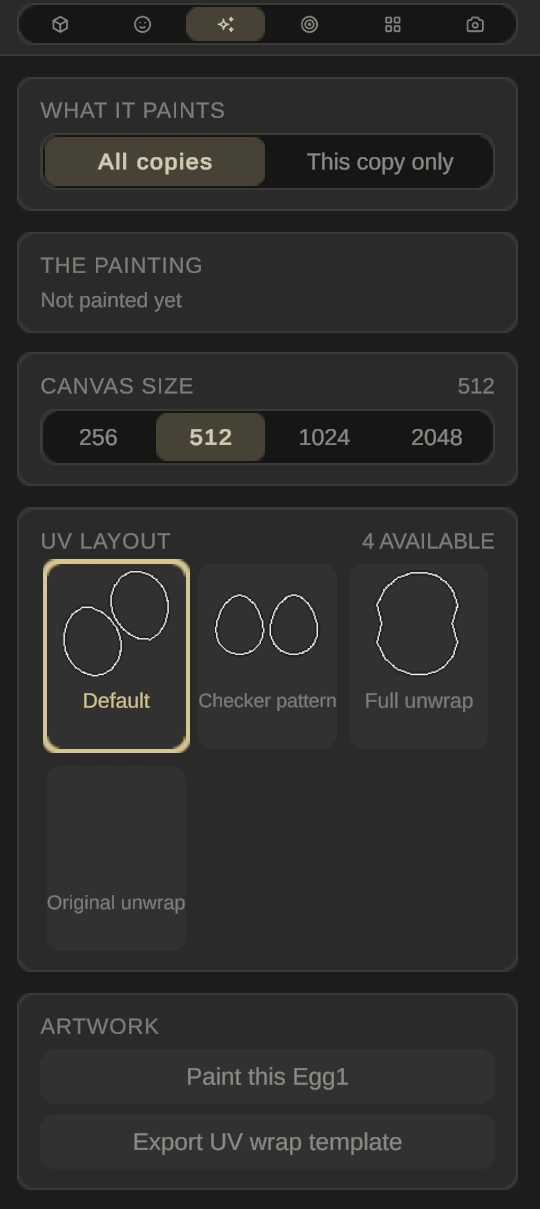
A UV wrap is a part’s painted texture. The Wrap tab (third in the row on the right) manages it for the selected part.
- What it paints: All copies share one painting, or This copy only gives the selected copy its own.
- The painting says whether the part is painted yet.
- Canvas size: 256, 512, 1024 or 2048 pixels. Each step is more detail and four times the memory.
- UV layout: switch between the part’s unwraps, such as Default, Checker pattern, Full unwrap and Original unwrap. A painting belongs to the layout it was painted on.
- Artwork: Paint this part opens Paint on it, and Export UV wrap template saves the part’s layout as a PNG to paint in another app.
Paint a part in any image app, then import it here. UV wraps save with your pet and travel into Roblox exports, and each copy of a part can wear its own. Painted parts arrive in Roblox with a fixed colour; you can’t recolour them there.
Workspace tab
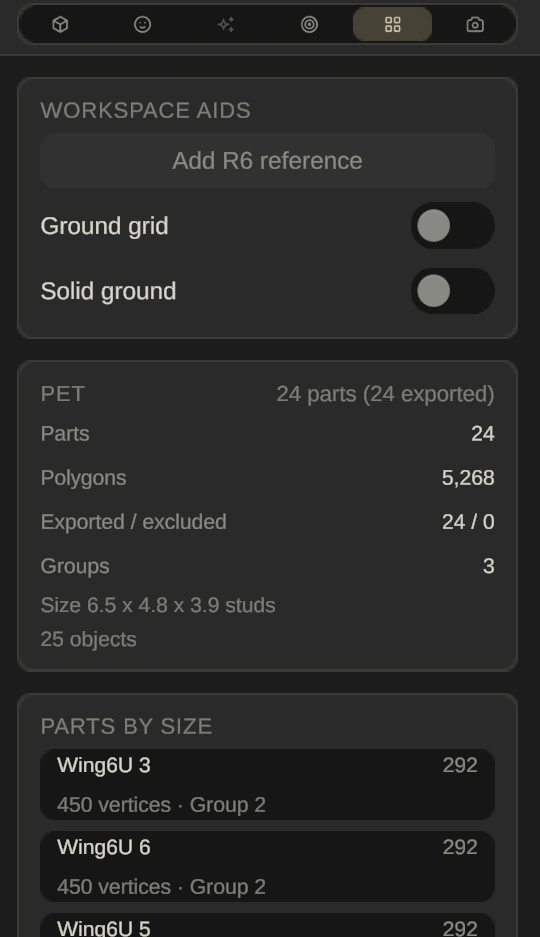
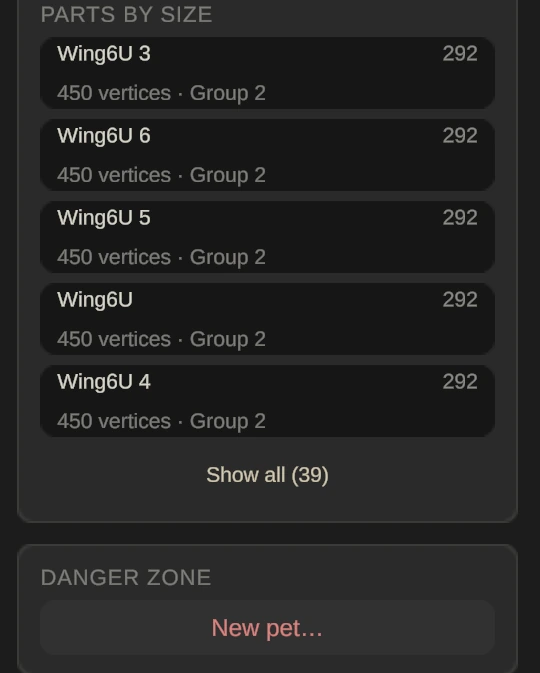
Ground grid and Solid ground (parts land on the ground) are helpers that are never exported. Pet counts parts, polygons, exported and excluded parts and groups, and gives the size in studs. Parts by size lists the heaviest parts first, five at a time, with Show all for the rest; click one to select it, double-click to frame it too. New pet… under Danger zone removes every part, after asking to save.