Lock to stroke
Keep new paint inside the stroke you just laid. Great for stripes inside a shape.
Lay a stroke, then lock it
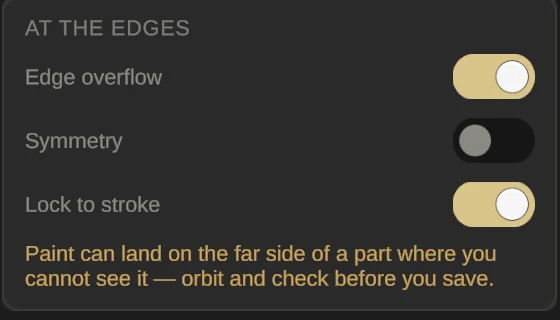
Paint any stroke; a QuickShape works great. Then press L, or turn on Lock to stroke under Symmetry. The switch is greyed out until you’ve laid a stroke.
Paint over it freely
Scribble right across: paint only lands inside that last stroke, so you don’t need to be careful at the edges. Press L again to unlock.
Fill and Blur strokes can’t be locked to. While the lock is on, parts the locked stroke didn’t touch take no paint at all. The lock switches itself off every time you open Paint.