Symmetry
Paint one side of the pet and the other side paints itself.
Turn it on
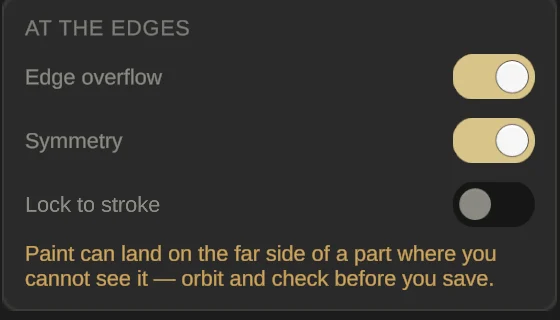
Open the Painting page and turn on Symmetry under At the edges. It switches itself off every time you open Paint, so turn it on again each session.
Paint one side
Every stroke is painted again on the other side, mirrored left to right across the middle of the pet (the same line Mirror uses).
Symmetry works best on symmetric pets. If the two sides aren’t the same, a mirrored stroke can land on a different part.