Grow kinds
The kinds you can grow, with their sliders: rocks on lava, roots on a flat material, and Christmas Lights as worked examples.
The Grow box gives every kind the same first controls: Size, Amount, Where, Grows on and Look. Under them, each kind adds sliders of its own. Version 1.5.1 added many of them: every kind has more now, 134 new ones in all. Most percent sliders start at 100 %, which is the kind’s approved look; counts are whole numbers; degrees are angles.
The browser’s Grow entry holds 20 kinds. This page walks through three of them in detail; the table at the end counts the sliders on every kind.
Rocks, on Lava (pure)
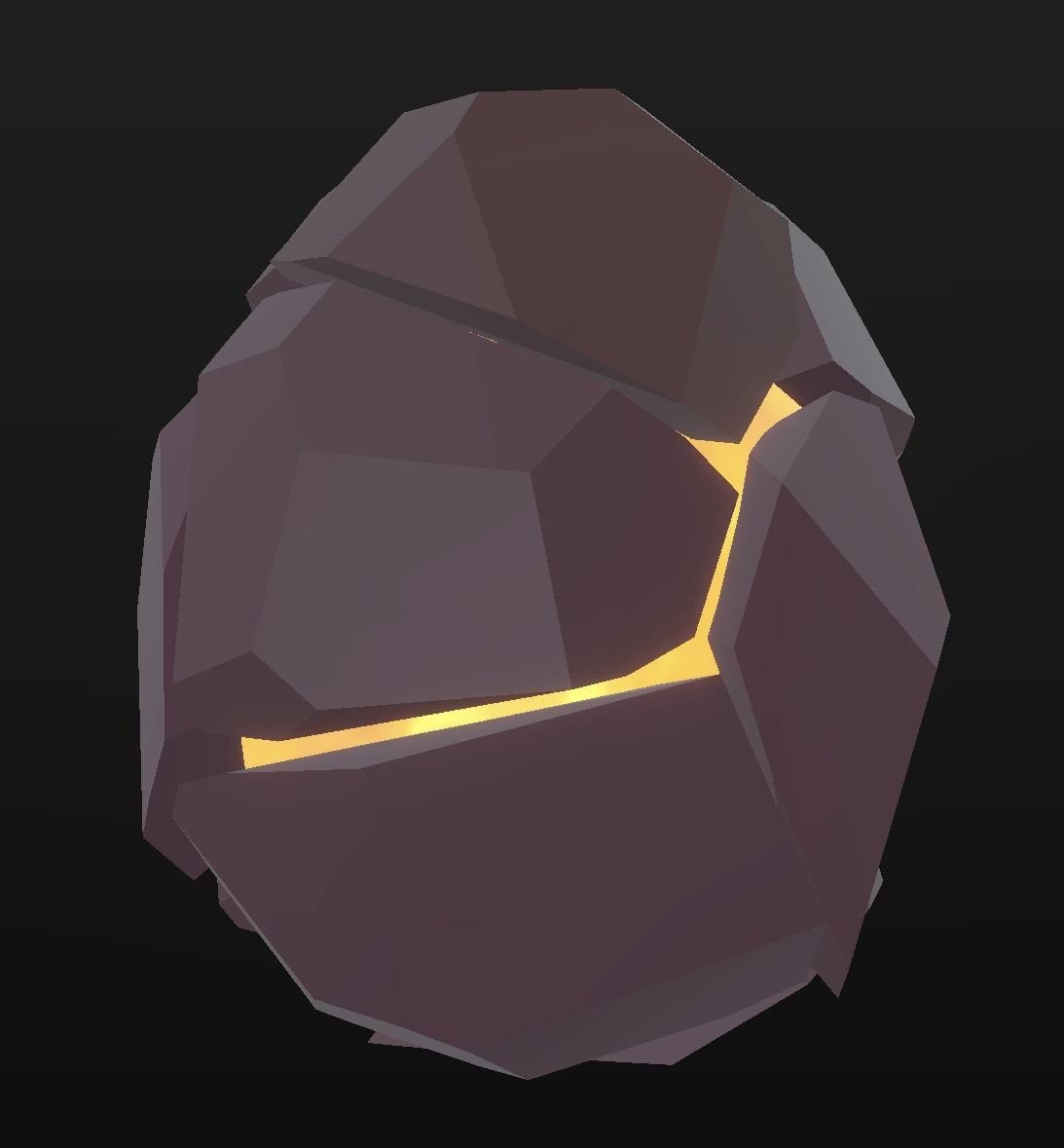
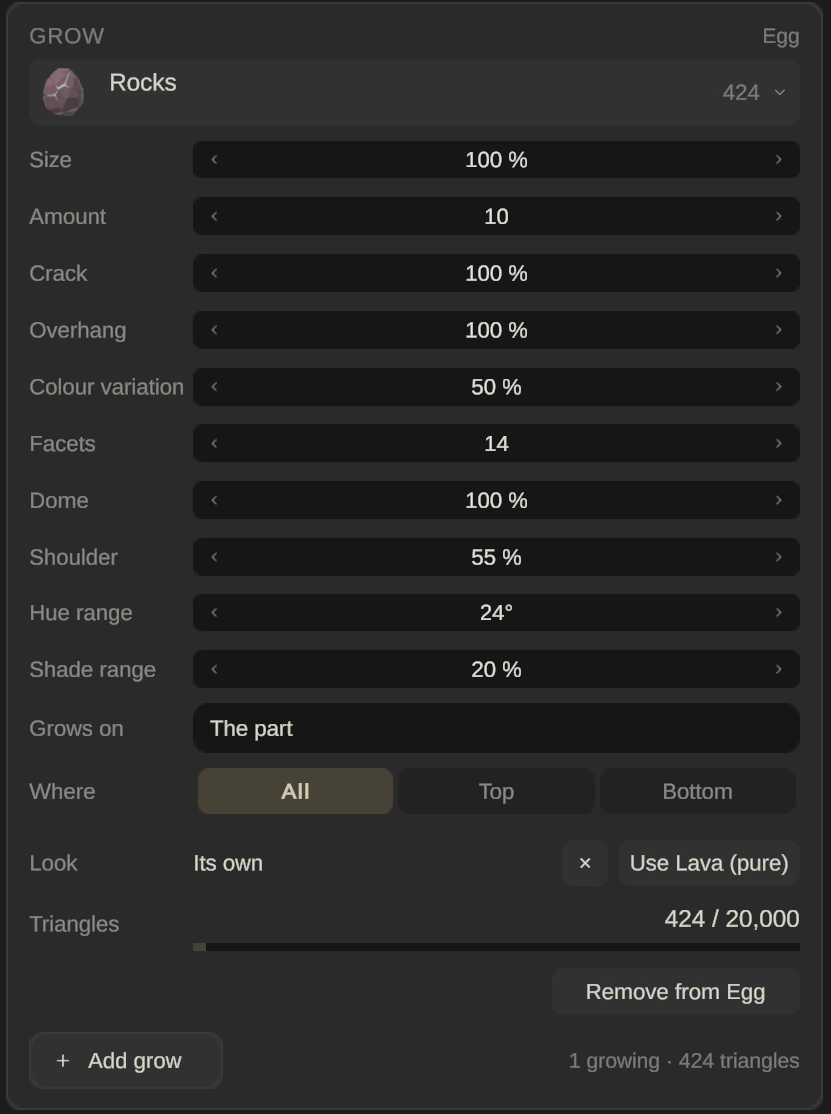
Paint the egg with Lava (pure) from the Rock and lava category, add Rocks, and the rocks stand on a glowing base, with the lava showing in the gaps. Rocks grow as separate stones: Amount counts stones (the approved look is 10, from 4 to 40), and Size scales each stone. Where limits them to the top or bottom half.
| Slider | Starts at | Range |
|---|---|---|
| Crack | 100 % | 0 % to 300 % |
| Overhang | 100 % | 0 % to 250 % |
| Colour variation | 50 % | 0 % to 100 % |
| Facets | 14 | 6 to 14 |
| Dome | 100 % | 0 % to 250 % |
| Shoulder | 55 % | 20 % to 85 % |
| Hue range | 24° | 0° to 90° |
| Shade range | 20 % | 0 % to 60 % |
Roots, on a flat material
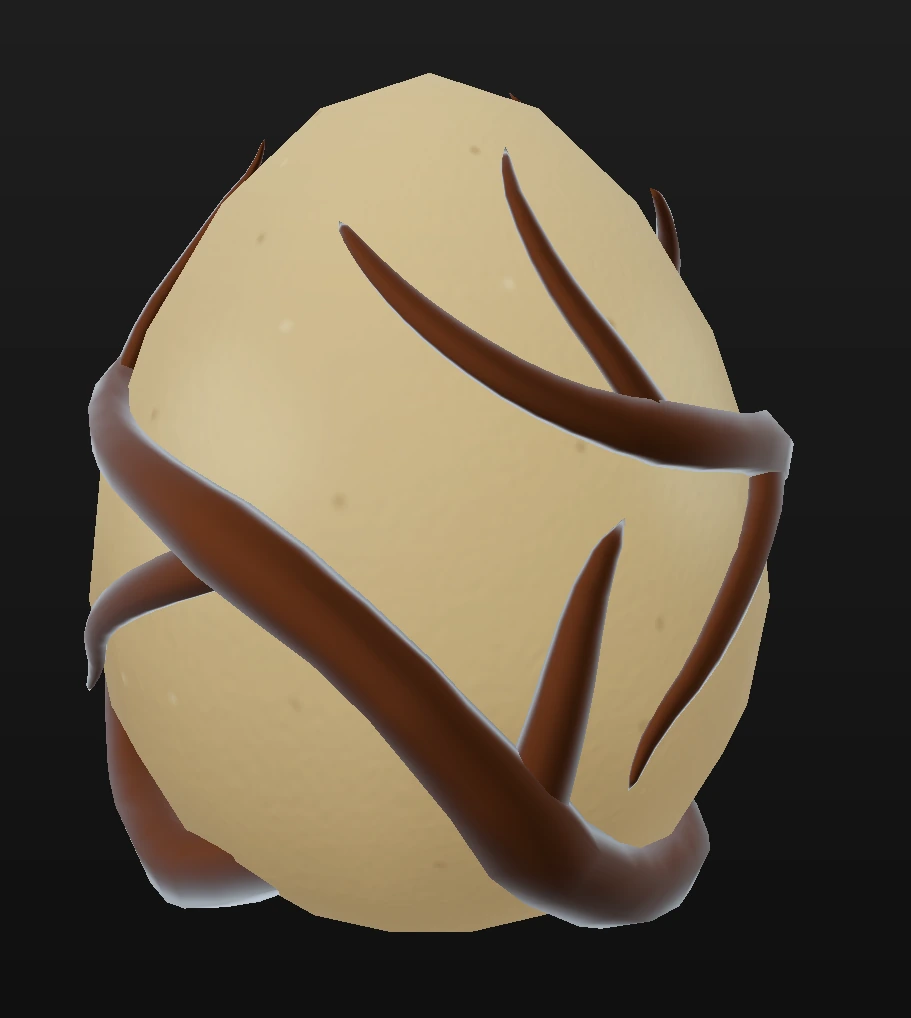
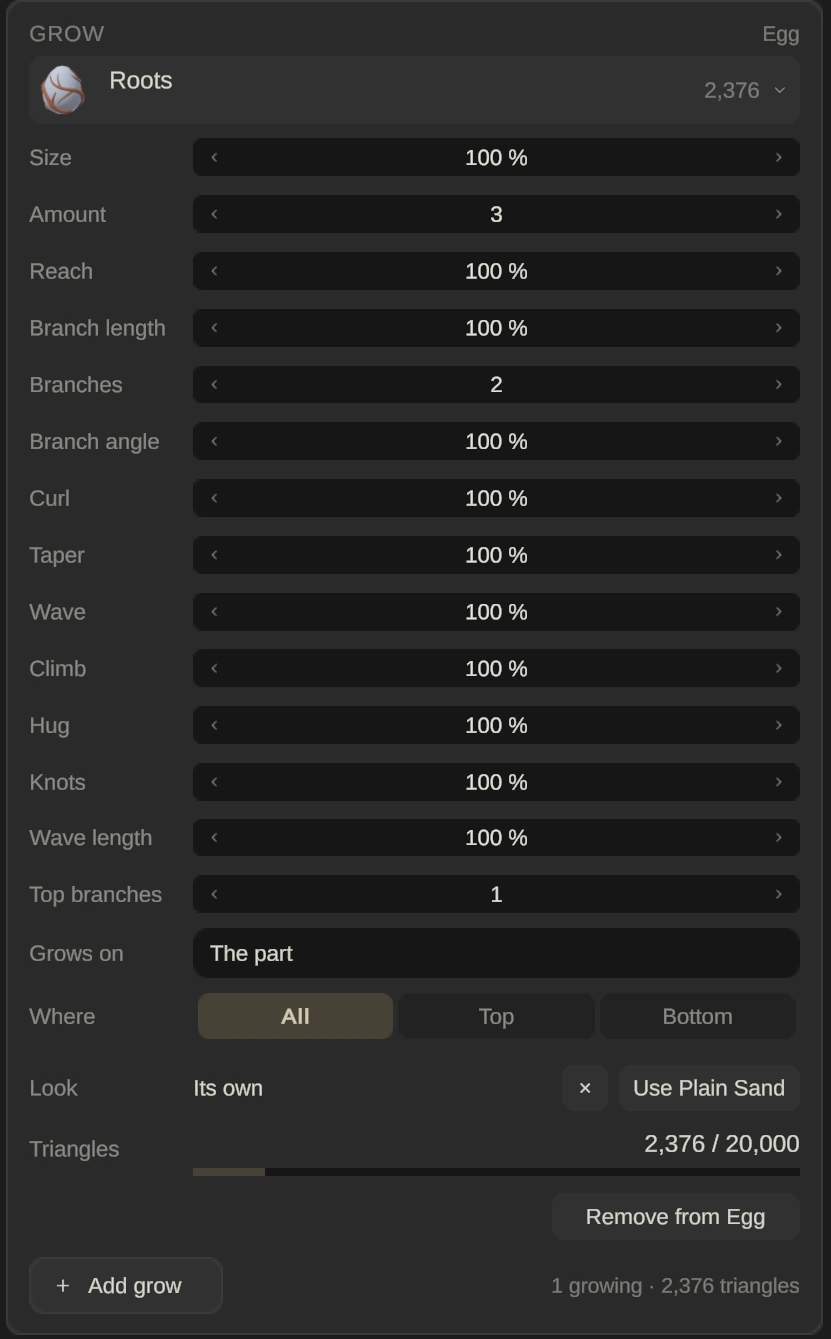
Paint the part with a flat material, such as Plain Sand, then add Roots. For roots, Size is the thickness of the root, and Amount counts where they start (the approved look is 3, from 1 to 4).
| Slider | Starts at | Range |
|---|---|---|
| Reach | 100 % | 30 % to 110 % |
| Branch length | 100 % | 25 % to 150 % |
| Branches | 2 | 0 to 4 |
| Branch angle | 100 % | 50 % to 170 % |
| Curl | 100 % | 0 % to 200 % |
| Taper | 100 % | 0 % to 200 % |
| Wave | 100 % | 0 % to 200 % |
| Climb | 100 % | 30 % to 130 % |
| Hug | 100 % | 0 % to 200 % |
| Knots | 100 % | 0 % to 400 % |
| Wave length | 100 % | 30 % to 250 % |
| Top branches | 1 | 0 to 3 |
Christmas Lights
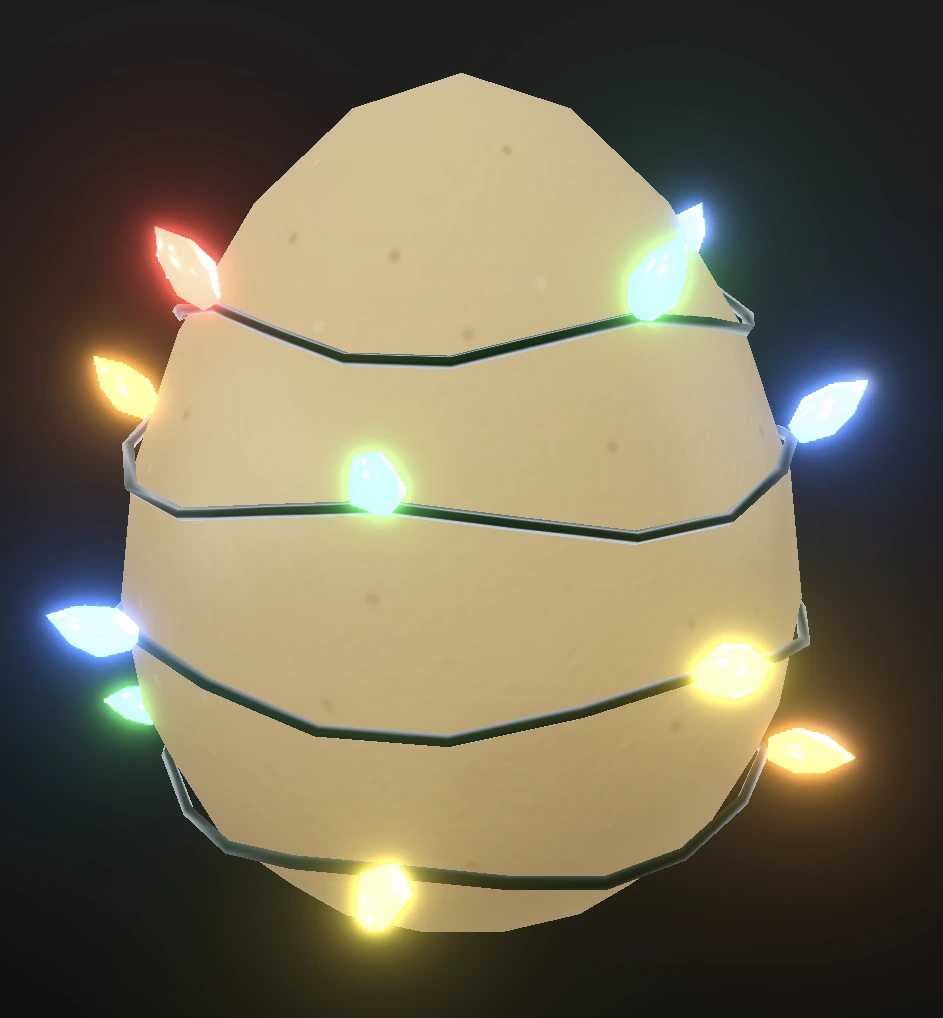
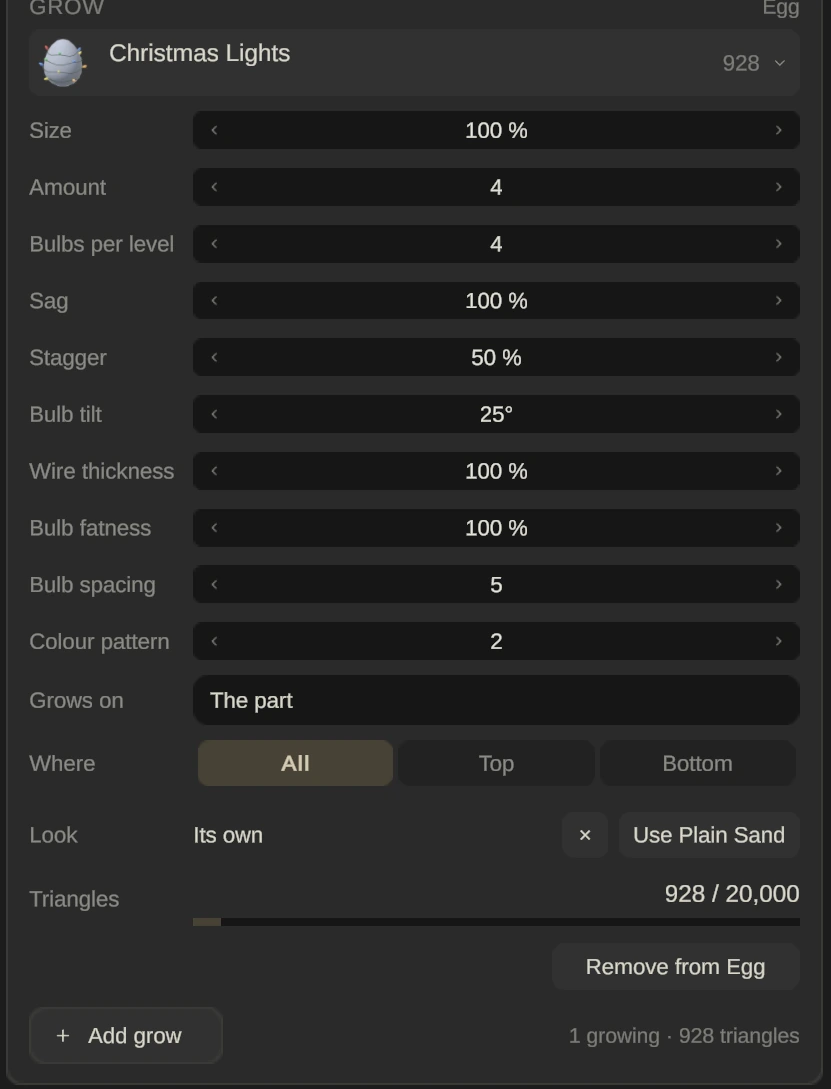
Christmas Lights hang as strings of bulbs. Amount counts the levels of string (4 is the approved look, from 2 to 6), and Size scales the pieces.
| Slider | Starts at | Range |
|---|---|---|
| Bulbs per level | 4 | 3 to 8 |
| Sag | 100 % | 0 % to 250 % |
| Stagger | 50 % | 0 % to 50 % |
| Bulb tilt | 25° | 0° to 50° |
| Wire thickness | 100 % | 50 % to 188 % |
| Bulb fatness | 100 % | 60 % to 140 % |
| Bulb spacing | 5 | 1 to 5 |
| Colour pattern | 2 | 0 to 4 |
All twenty kinds
| Kind | Sliders |
|---|---|
| Craters | 6 |
| Pumpkin | 8 |
| Gem | 4 |
| Beehive | 7 |
| Rocks | 8 |
| Crystals | 14 |
| Shards | 14 |
| Roots | 12 |
| Mushrooms | 15 |
| Flower 1 | 14 |
| Flower 2 | 14 |
| Flower 3 | 14 |
| Flower 4 | 23 |
| Alien Tentacles | 15 |
| Octopus | 15 |
| Sprout | 18 |
| Sprout Leaves | 12 |
| Islands | 7 |
| Christmas Lights | 8 |
| Snow | 5 |
Craters, Pumpkin, Gem and Beehive shape the part’s own surface, so they only work while the part’s Shape is Off or Bumps: see Shape.